Content Blocker
Block certain content of a page
Overview
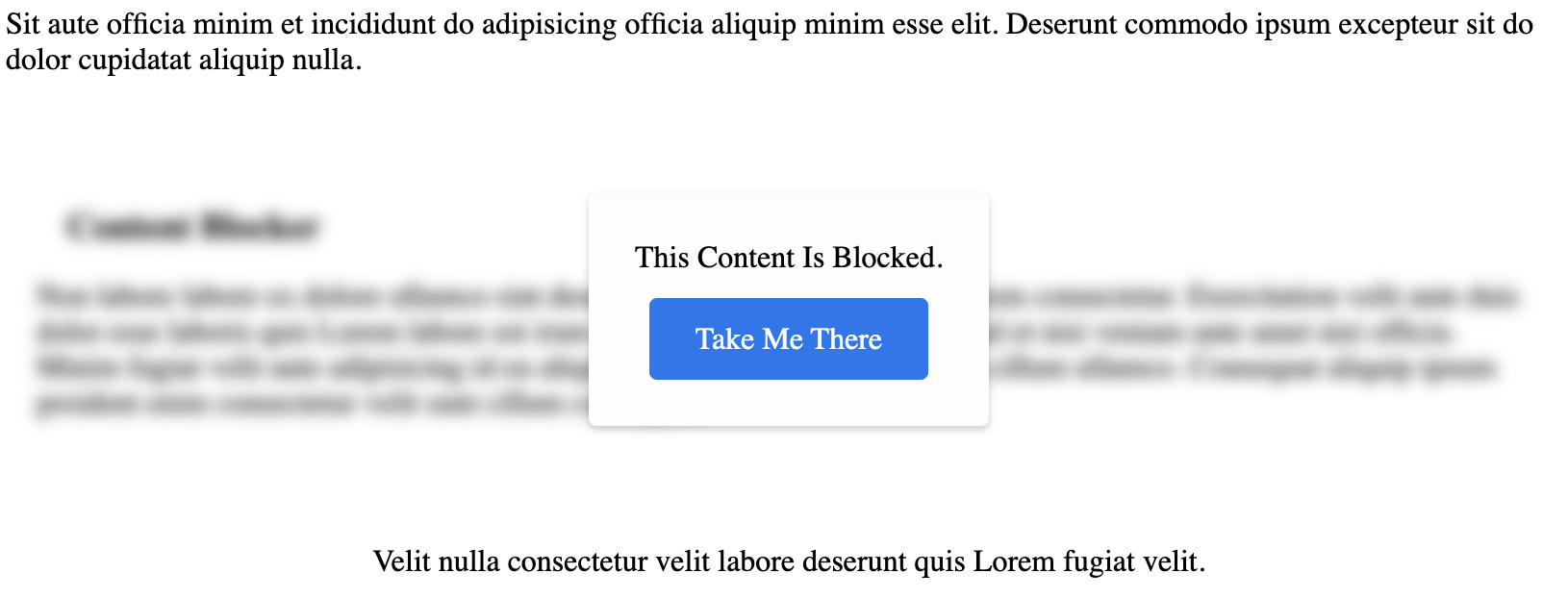
The content blocker component will take a comma-separated list of identifiers to make a calls to determine if the the content it wraps should be blocked by a modal or be hidden depending on the user location. You can manually set the location or by default this will be determined by the request ip lookup.
To use the blocker, you will wrap whatever content you would like to block. The content can be any valid html.
Special Attributes
| Attribute | Description |
|---|---|
| identifiers | This is a comma-separated list of identifiers w/ NO SPACES, see below. This will determine the specified compliance identifiers to check. |
| button-text | Set the button text seen on the snippet, defaults to “Take Me There” (optional) |
| hide-if-blocked | if "true", the content will not be rendered at all IF blocked. Otherwise, the content will be blocked by a modal that will include the text/link of the returned compliance tag. |
// custom defined tag
<bam-content-blocker
	property-id="1"
	identifiers="canda-compliance,another-identifier">
	{/* CONTENT GOES HERE */}
</bam-content-blocker>
Properties
| Property | Attribute | Description | Type | Default |
|---|---|---|---|---|
buttonText | button-text | Set the button text seen on the snippet, defaults to “Take Me There” (optional) | string | undefined |
defer | defer | boolean | false | |
devMode | dev-mode | boolean | false | |
hideIfBlocked | hide-if-blocked | If "true", the content will not be rendered at all IF blocked. Otherwise, the content will be blocked by a modal that will include the text/link of the returned compliance tag. | boolean | false |
identifiers | identifiers | (required) This is a comma-separated list of identifiers w/ NO SPACES, see below. This will determine the specified compliance identifiers to check. | string | undefined |
location | location | (required) | string | undefined |
propertyId | property-id | (required) | number | undefined |